
Know who has every company asset
Laptops, phones, tools and uniforms: create inventory, assign it to employees or locations, and track it until it is returned or disposed of.
Included in: Ultimate · Premium
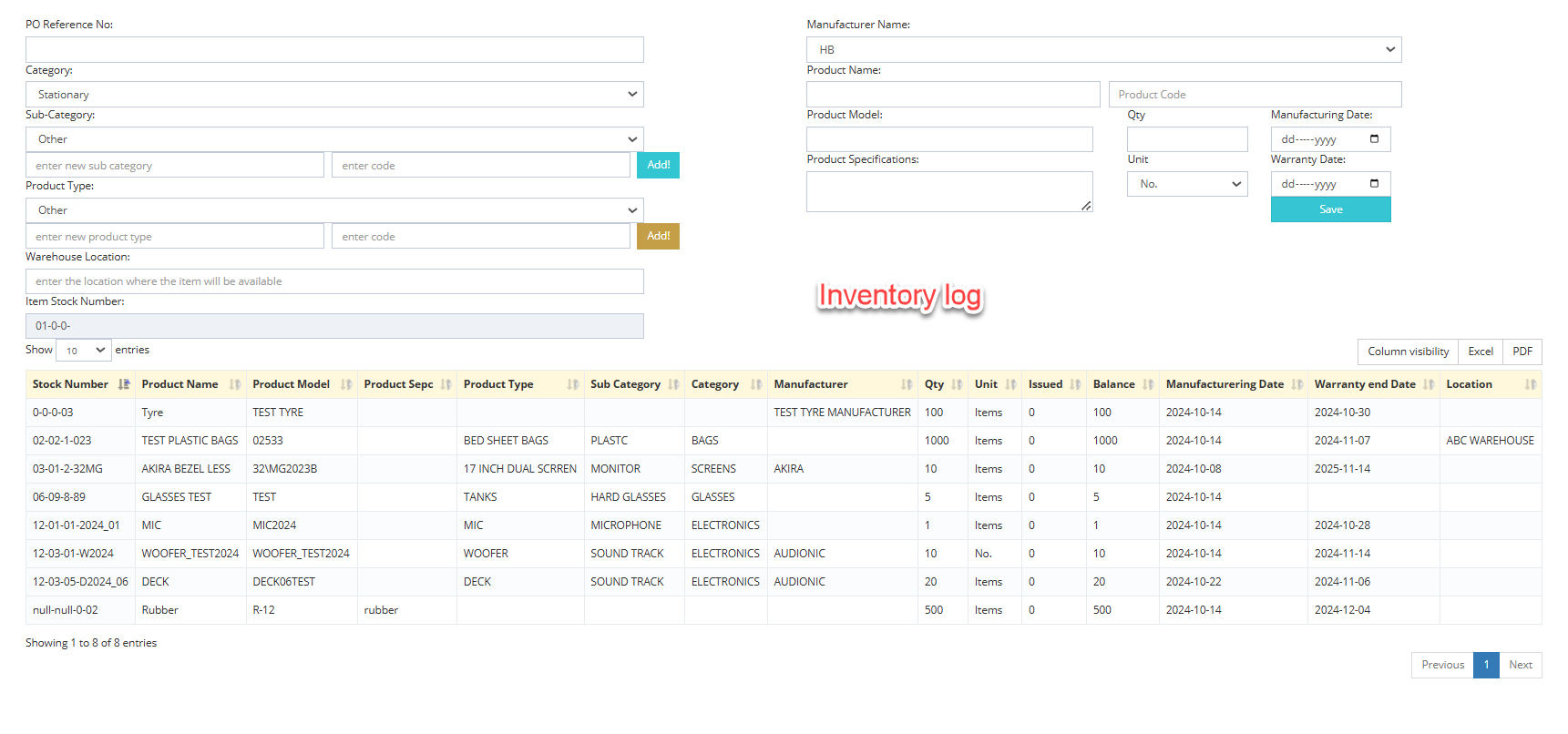
When equipment is tracked in a notebook, it goes missing when people change roles or leave. HR360 links every asset to the employee or location responsible for it.
Create and organize inventory items before distribution, transfer them with a click, and handle returns, disposals and sales with a full record. Employees can see their assigned assets in the staff portal.
What you can do
Assets & inventory in HR360
Manage stock
Create and organize inventory items before distribution.
Assign assets
Transfer assets to employees or locations with a single click.
Return or dispose
Record returns, disposals or sales of inventory items.
Detailed reports
Generate and print inventory reports instantly.
Visible to employees
Staff can see the assets assigned to them in the staff portal.
Linked to people
Asset records stay connected to the employee's HR profile.
How it works
Up and running in three steps
Add inventory
Create items and organize your stock.
Assign
Hand items to employees or locations in one click.
Track and report
Record returns or disposals and print reports any time.
Assets & inventory: common questions
More answers in our FAQ.
Can assets be assigned to a location instead of a person?
Yes. Assets can be transferred to employees or to locations.
Can employees see what is assigned to them?
Yes, through the HR360 staff portal.
Which plans include inventory?
The Inventory Book is included on Ultimate and Premium.
See HR360 with your own setup
A 30-minute walkthrough built around your branches, shifts and devices.