
Hire top talent without the paperwork
A careers portal where applicants apply from mobile or desktop, and one place for HR to collect CVs, shortlist candidates and send offer letters.
Included in: Starter · Ultimate · Premium
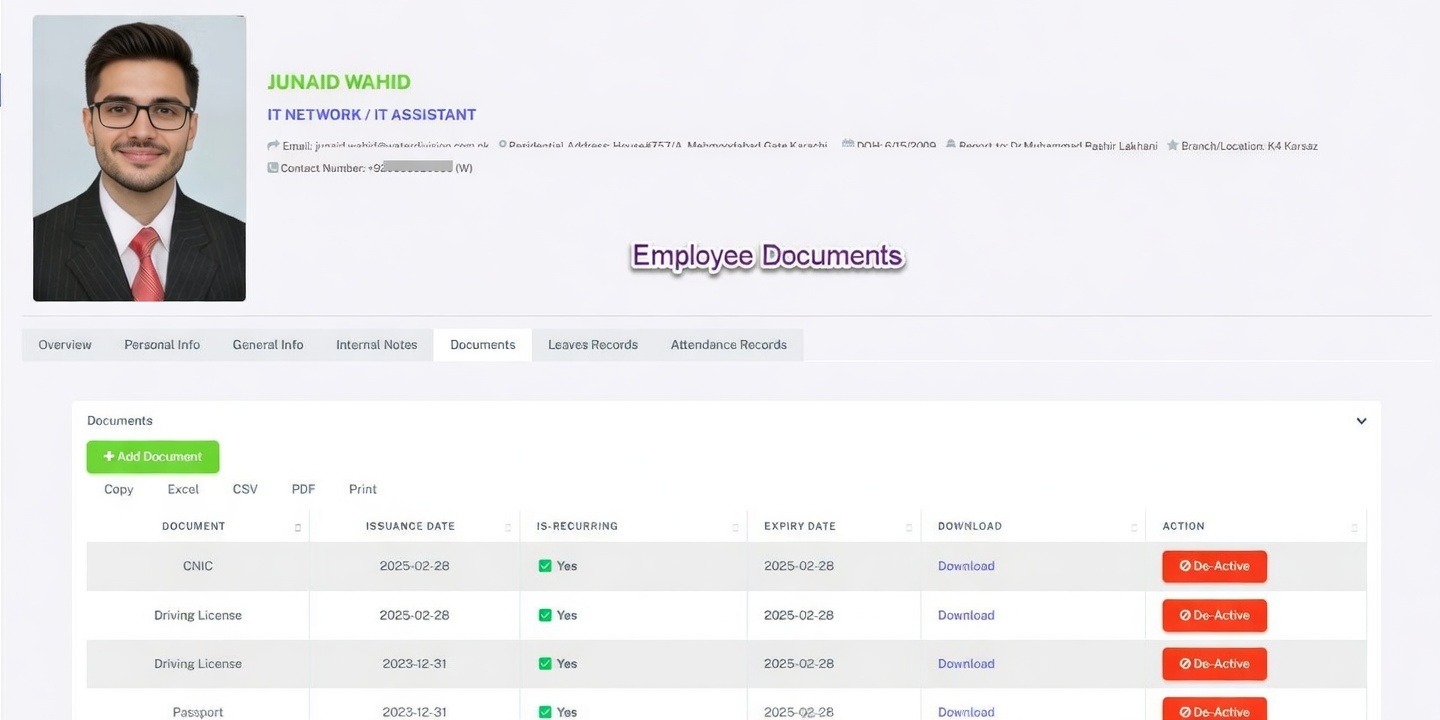
CVs arriving by email, WhatsApp and paper are hard to compare and easy to lose. HR360 brings every applicant into one list from a simple careers portal.
HR can filter and shortlist candidates, invite them to interview, run optional virtual orientation before hiring and send pre-drafted offer letters with a single click.
What you can do
Recruitment in HR360
Careers portal
Applicants apply from mobile or desktop through your own careers page.
Collect CVs
Gather detailed CVs with demographic insights in one place.
Smart shortlisting
Filter applicants and invite the best candidates to interview.
Virtual onboarding
Run optional virtual orientation and training before the start date.
Digital offer letters
Send pre-drafted offer letters with a single click.
Duplicate detection
Duplicate applicant profiles are identified automatically.
How it works
Up and running in three steps
Publish a vacancy
Applicants apply through the careers portal on any device.
Shortlist
Filter CVs and invite top candidates to interview.
Make the offer
Send a digital offer letter and start onboarding.
Recruitment: common questions
More answers in our FAQ.
How do candidates apply?
Through the HR360 careers portal, from mobile or desktop.
How many applicants can we manage?
Starter includes 100 applicants, Ultimate 1,000 and Premium 5,000 or more.
Does HR360 prevent duplicate applications?
Yes. Duplicate applicant profiles are detected automatically.
See HR360 with your own setup
A 30-minute walkthrough built around your branches, shifts and devices.