
Performance appraisals built on clear KPIs
Set KPIs for every role, run reviews monthly, quarterly or annually, and never miss an appraisal date again.
Included in: Ultimate · Premium
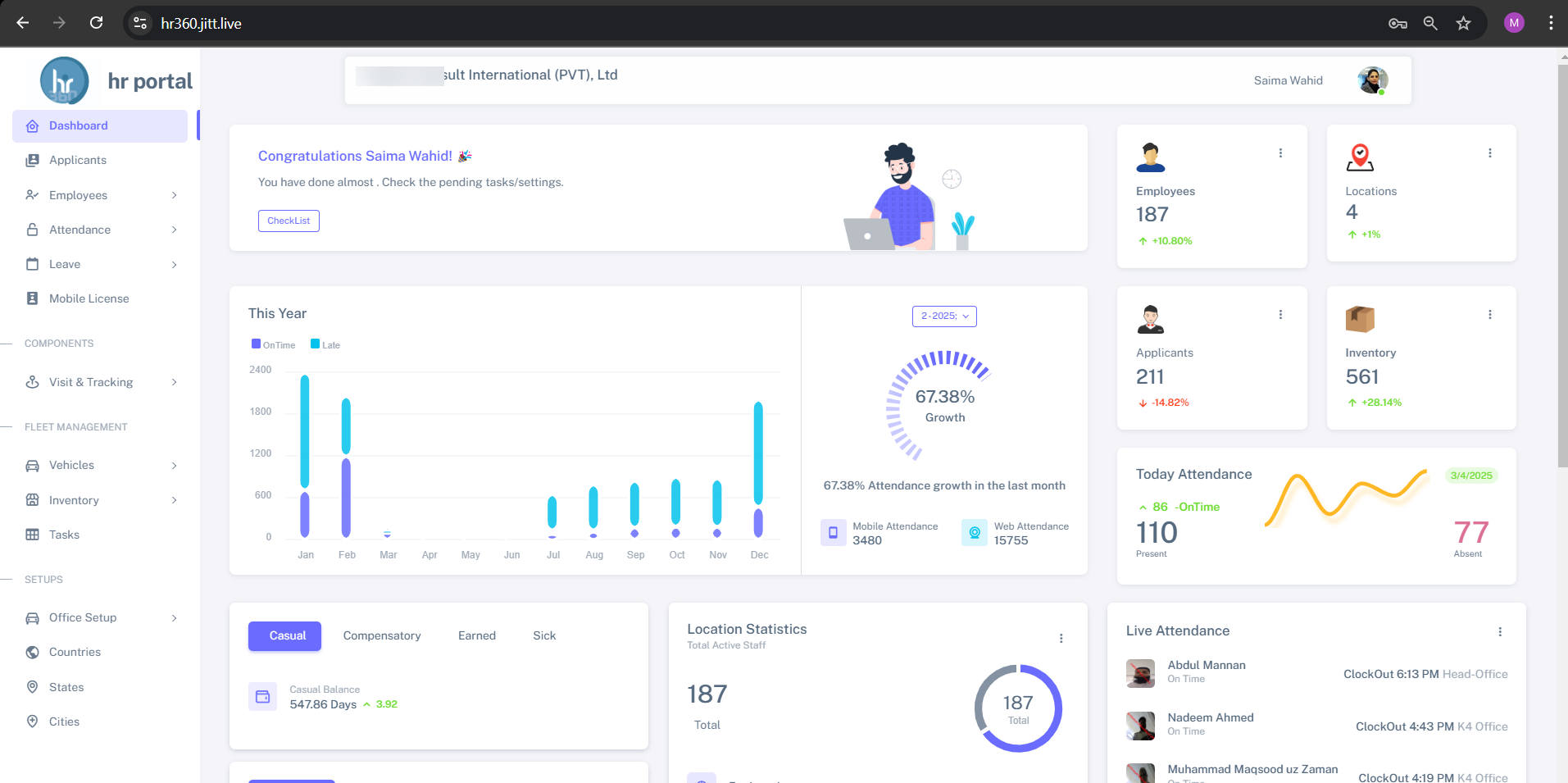
Appraisals done from memory feel unfair to employees and are hard to defend. HR360 ties every review to KPIs that are agreed for each role and designation.
Choose the review cycle that suits your team, collect self-assessments and 360-degree feedback, and get automatic alerts when an employee completes 12 months from their joining date.
What you can do
KPI appraisals in HR360
KPIs by role
Set up KPIs against each role and designation.
Custom reviews
Build performance reviews and KPI-based evaluations your way.
Flexible cycles
Run appraisals monthly, quarterly or annually.
Anniversary alerts
Automatic alerts 12 months from each employee's date of joining.
360° feedback
Collect 360-degree feedback and self-assessments.
Goal alignment
Align individual goals with company objectives.
How it works
Up and running in three steps
Define KPIs
Set KPIs for each role and designation.
Run the cycle
Collect self-assessments, manager reviews and 360° feedback.
Review and align
Discuss results and set goals linked to company objectives.
KPI appraisals: common questions
More answers in our FAQ.
How often can we run appraisals?
Monthly, quarterly or annually. You choose the cycle.
Does HR360 support 360-degree feedback?
Yes, along with employee self-assessment.
Which plans include appraisals?
The appraisal (APR) module is included on Ultimate and Premium.
See HR360 with your own setup
A 30-minute walkthrough built around your branches, shifts and devices.